Step 1:
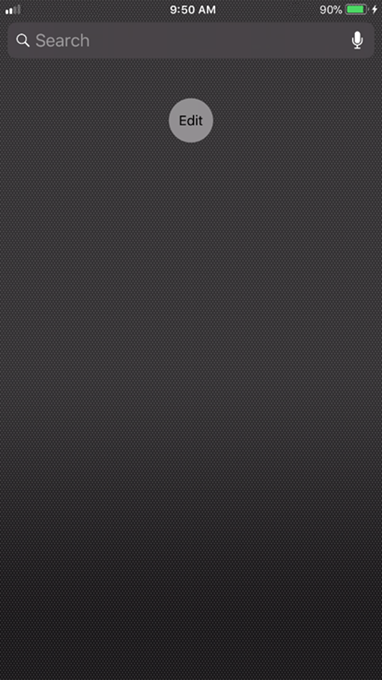
1. Swipe right over the Home screen or Lock screen. Scroll to the bottom and tap Edit.
Step 2:
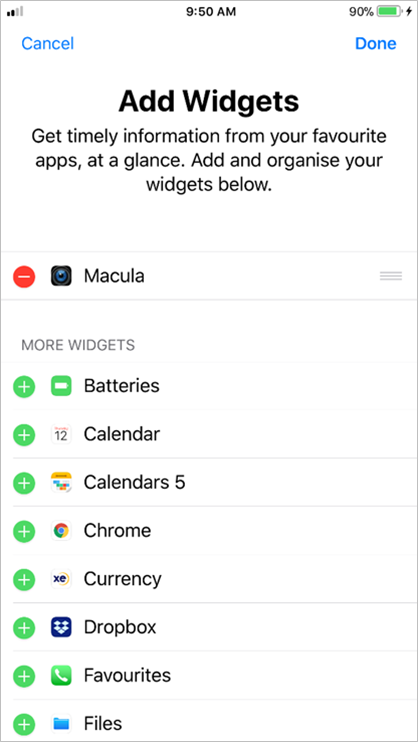
1. To add a widget, tap "+"
Step 3:
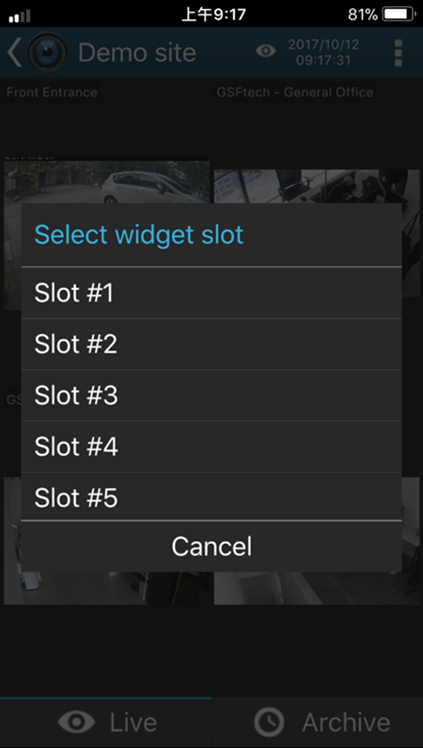
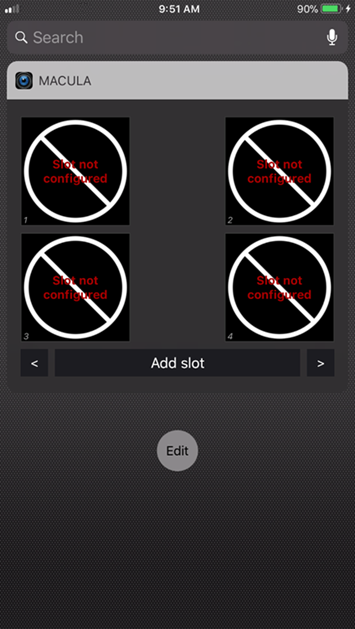
1. Press Menu “≡” and then “Cameras to Widget”. Select the camera and assign it to the slot.
Was this article helpful?
That’s Great!
Thank you for your feedback
Sorry! We couldn't be helpful
Thank you for your feedback
Feedback sent
We appreciate your effort and will try to fix the article