Applies to: iOS 14 and Macula Mobile v1.16 and above
1. Please enable all Siri & Search options in Settings > Siri & Search > Macula Mobile and then restart the Shortcuts app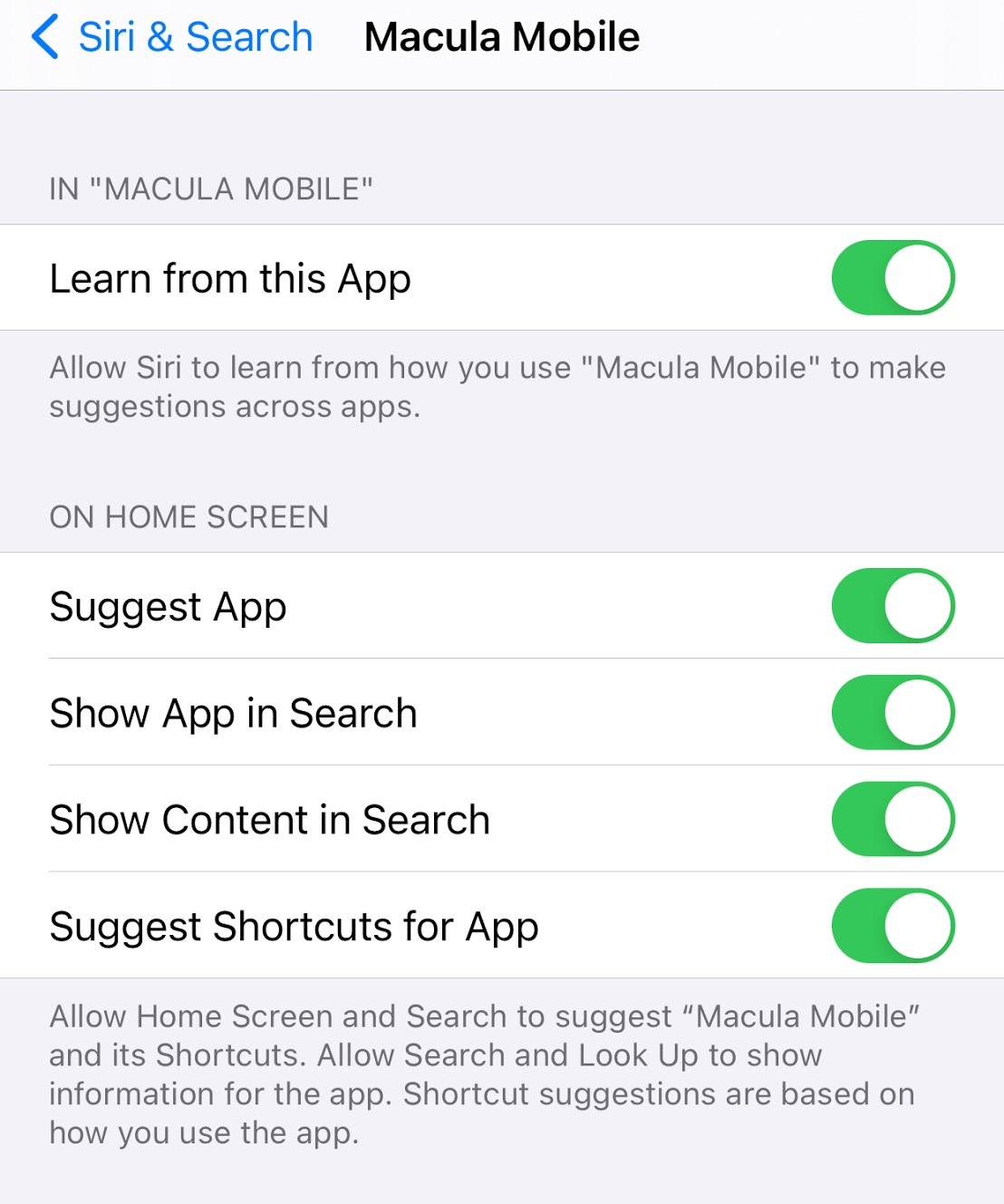 |
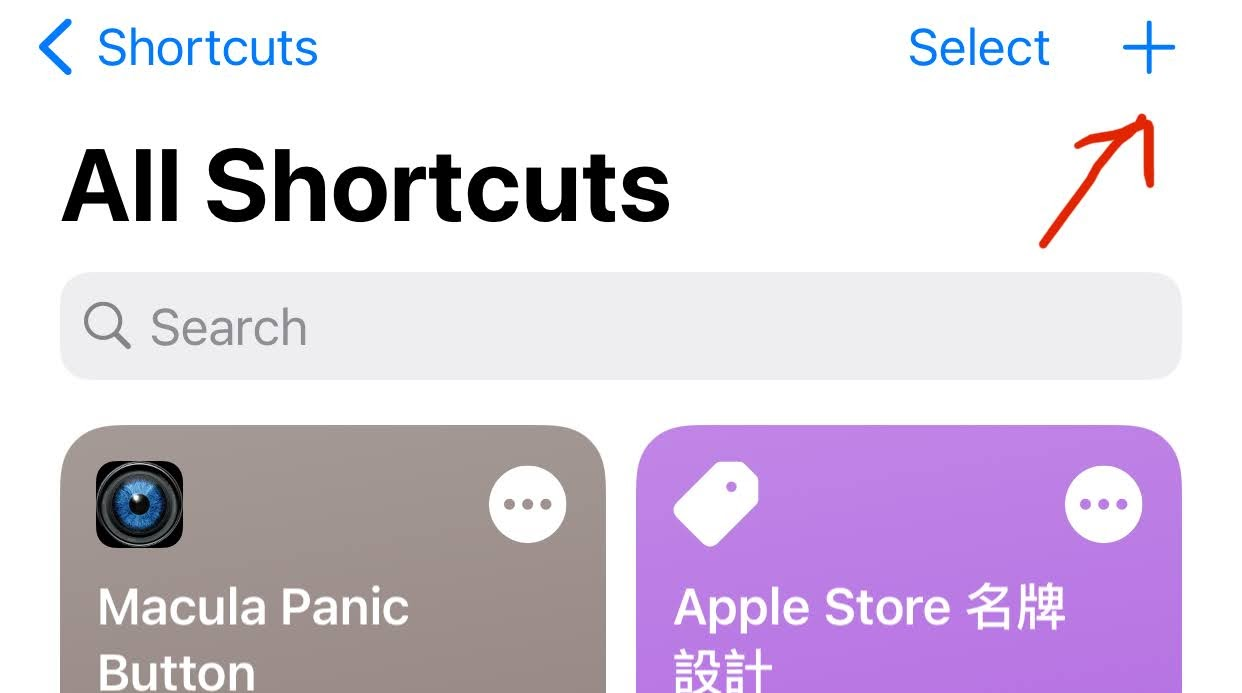
| 2. Open Shortcuts, click "+" to add a new shortcut.
|
3. Click "Apps"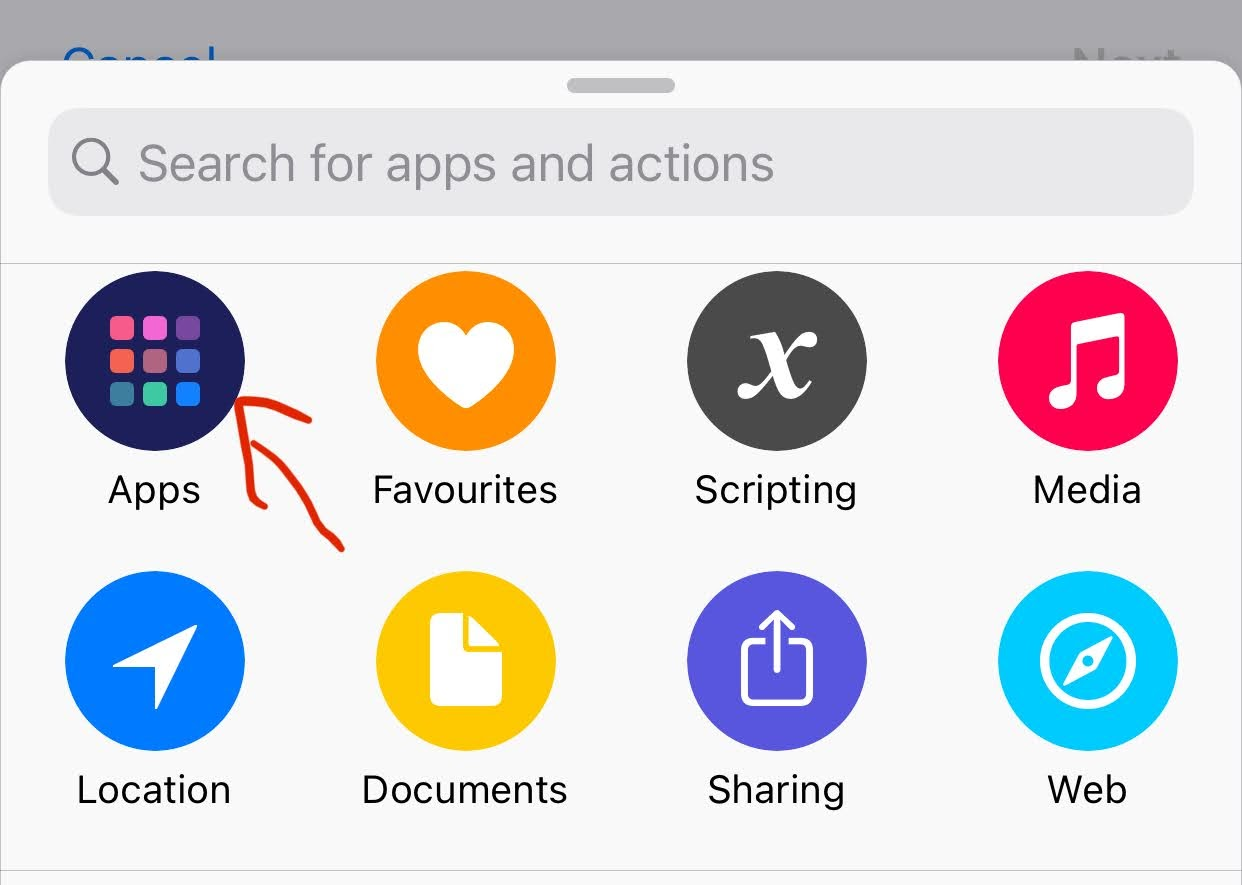 |
4. Select "Macula Mobile"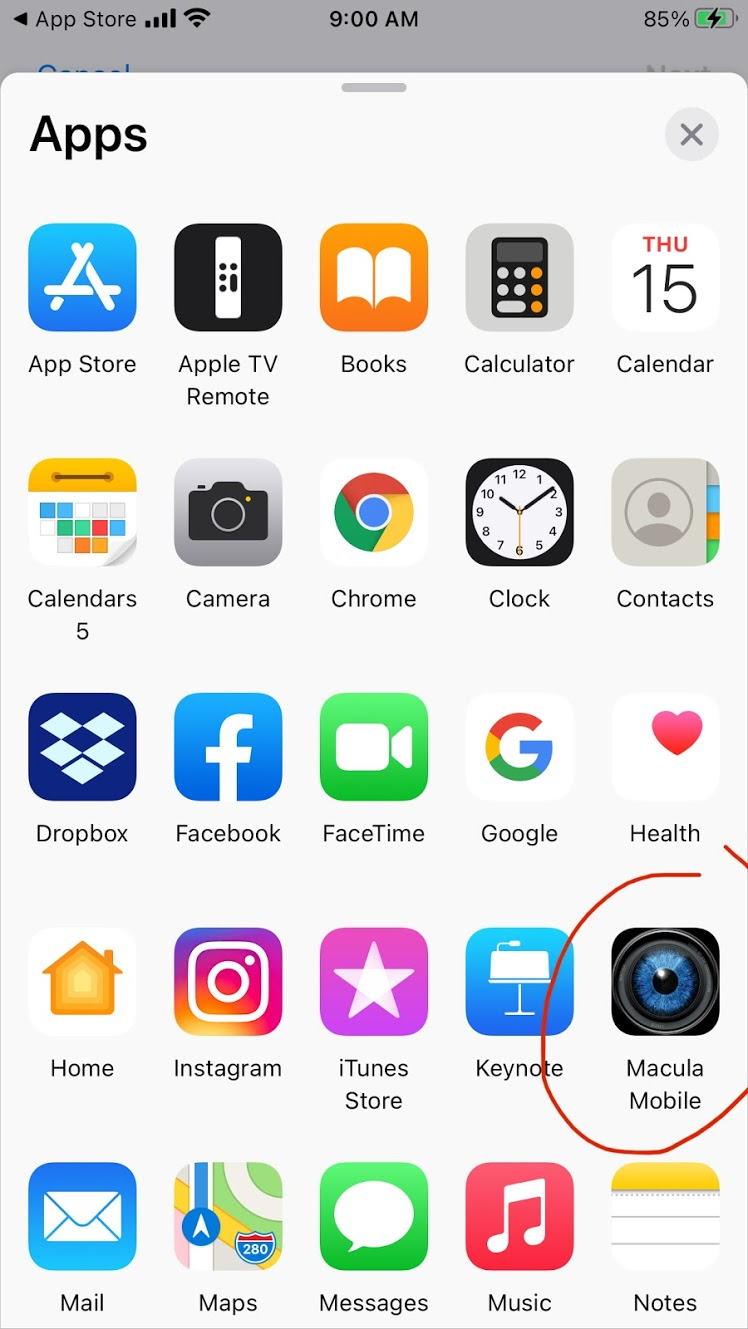 |
5. Click "Panic Button" |
6. Click "…" for more details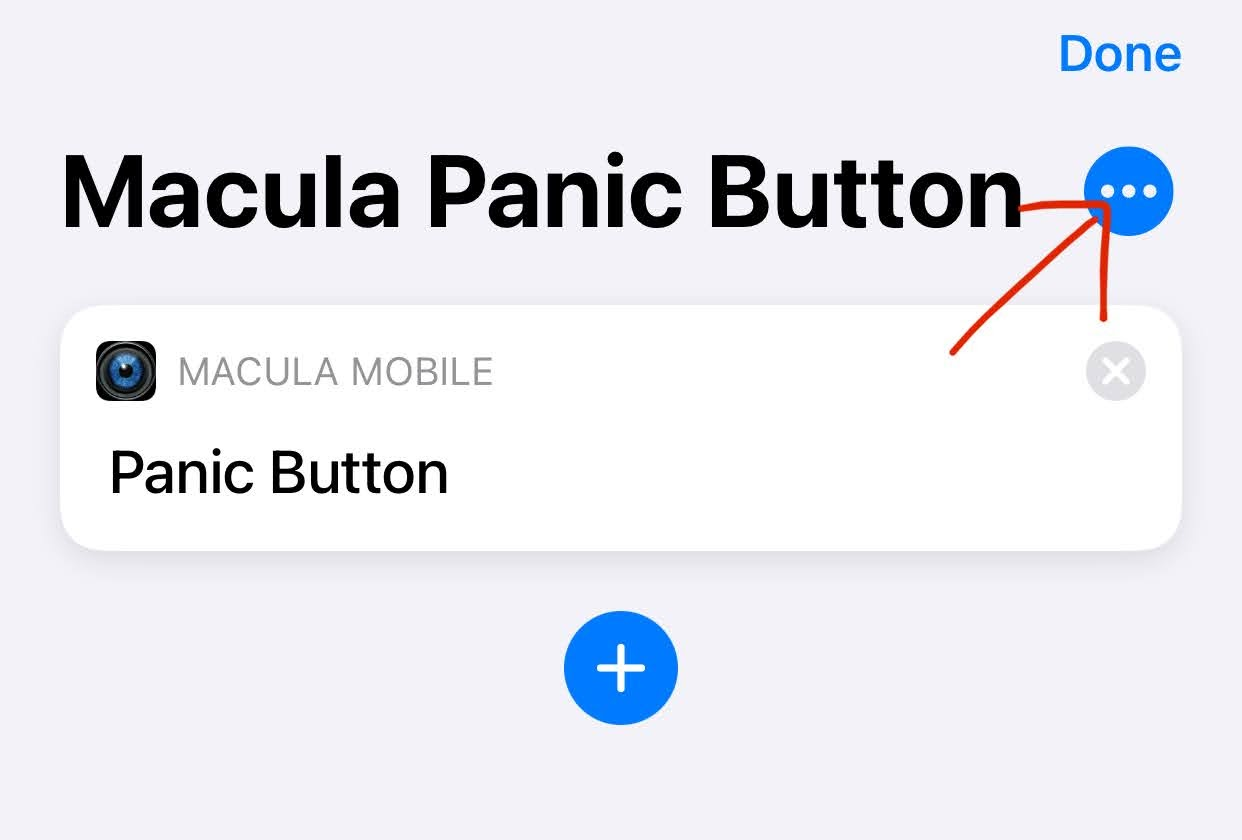 |
7. In Details, click "Add to Home Screen"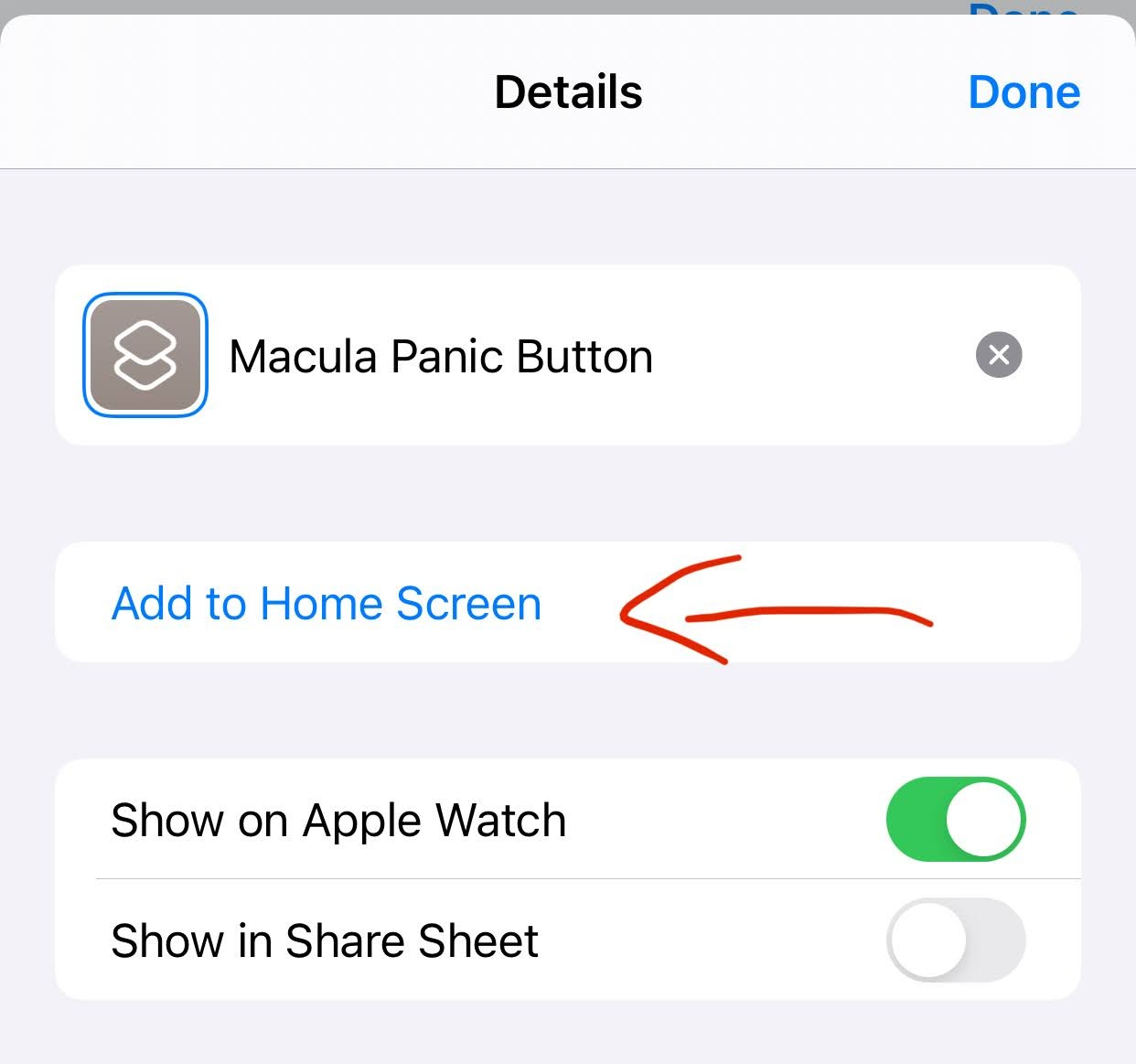 |
8. Click "Add" to add an icon to the home screen.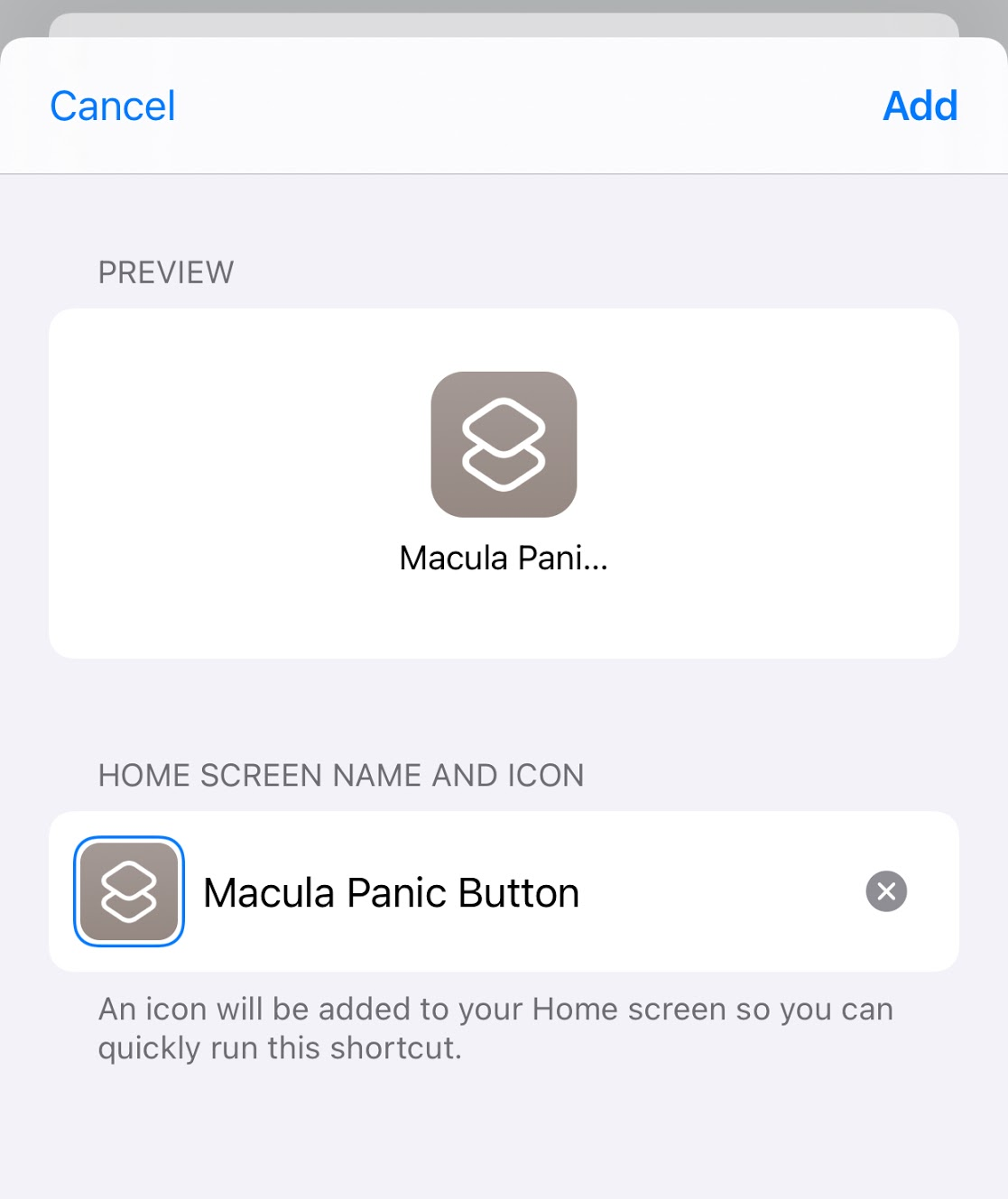 |
| 9. Click Done to save settings. |
Was this article helpful?
That’s Great!
Thank you for your feedback
Sorry! We couldn't be helpful
Thank you for your feedback
Feedback sent
We appreciate your effort and will try to fix the article