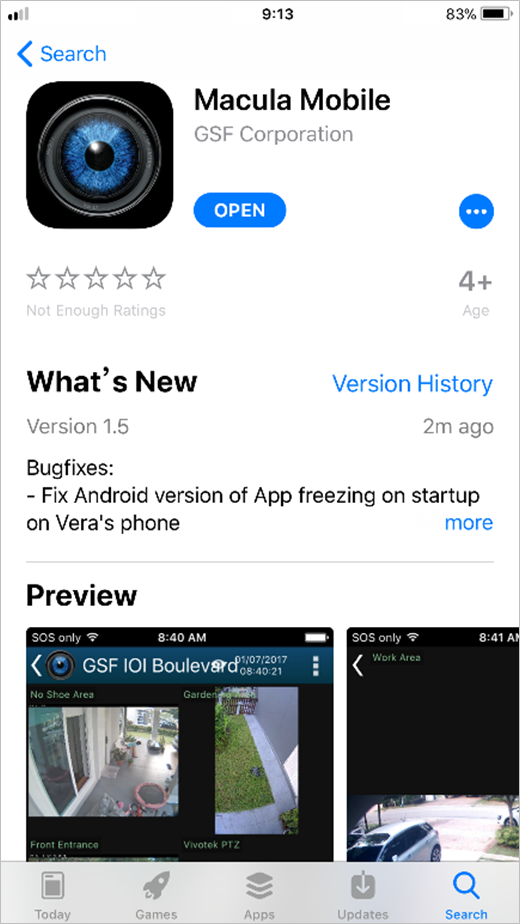
Step 1
1. Get Macula Mobile from App Store or Play Store.
Step 2:
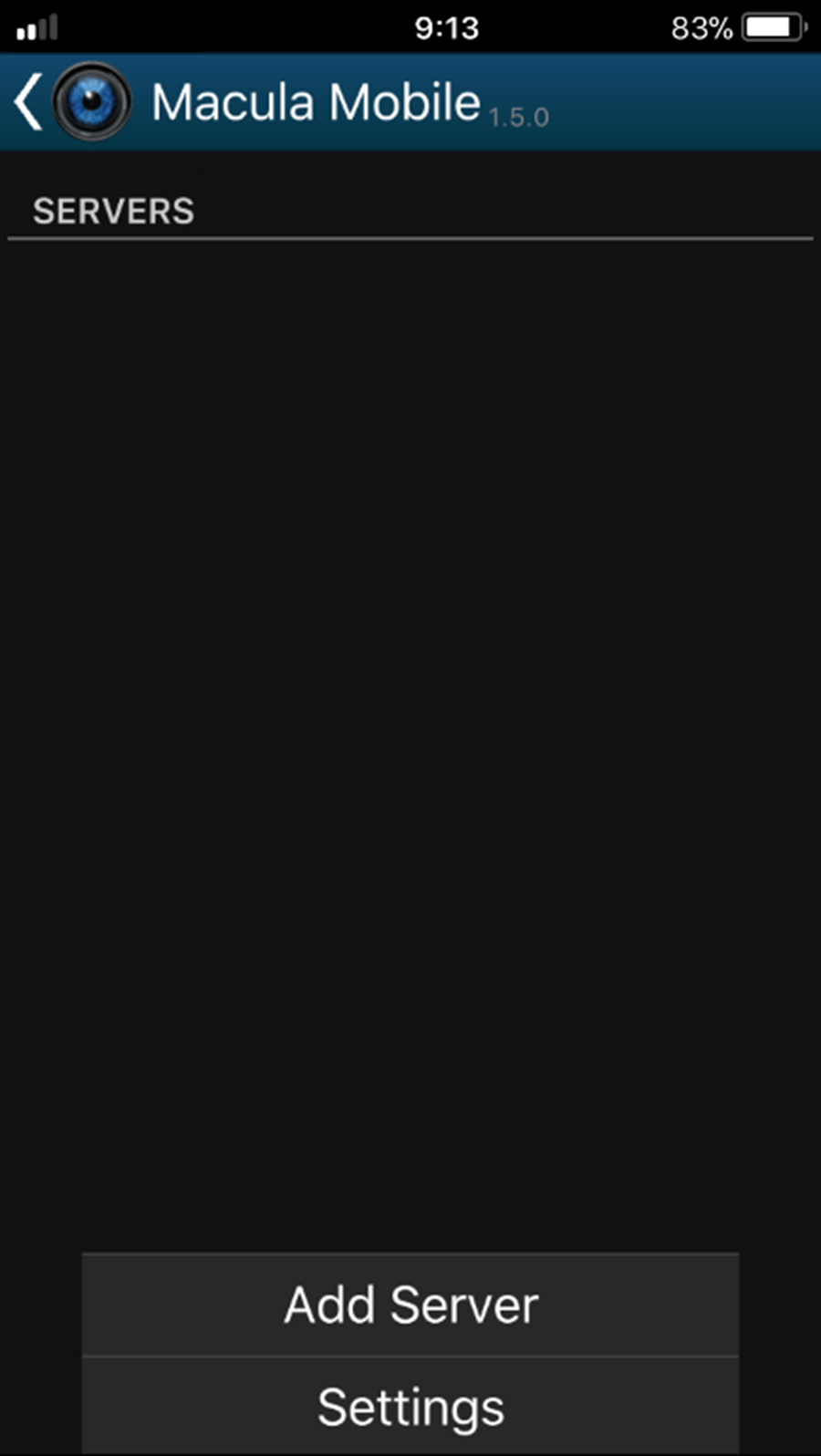
1. Open Macula Mobile & Add Server.
Step 3:
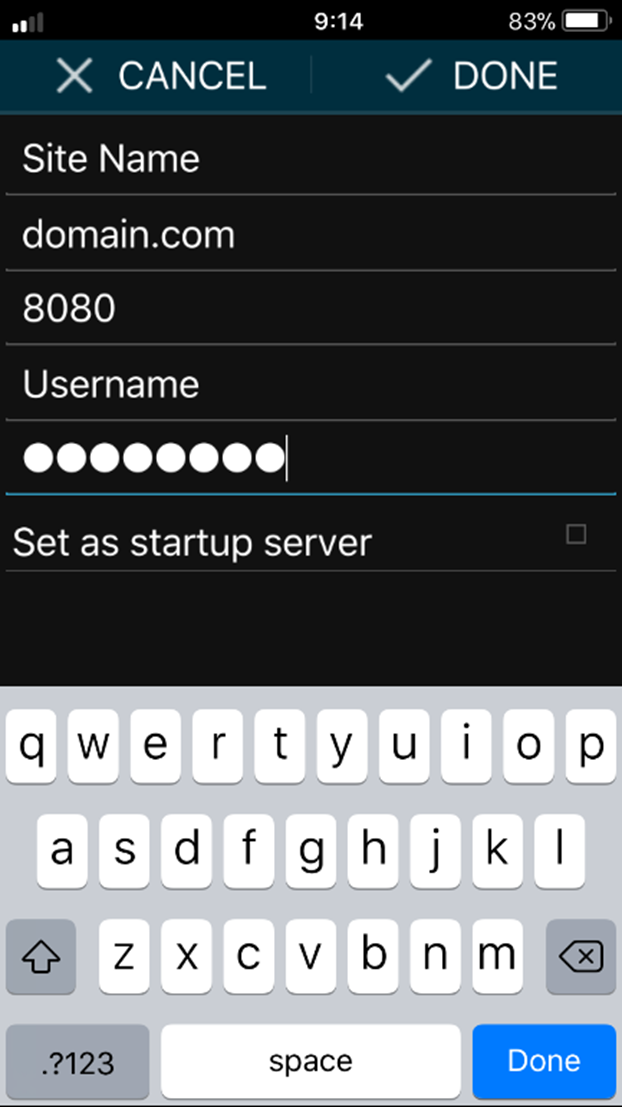
1. Enter Server Name, Domain / IP address, Port number (Default HTTP port is 8080), Username & Password.
Step 4:
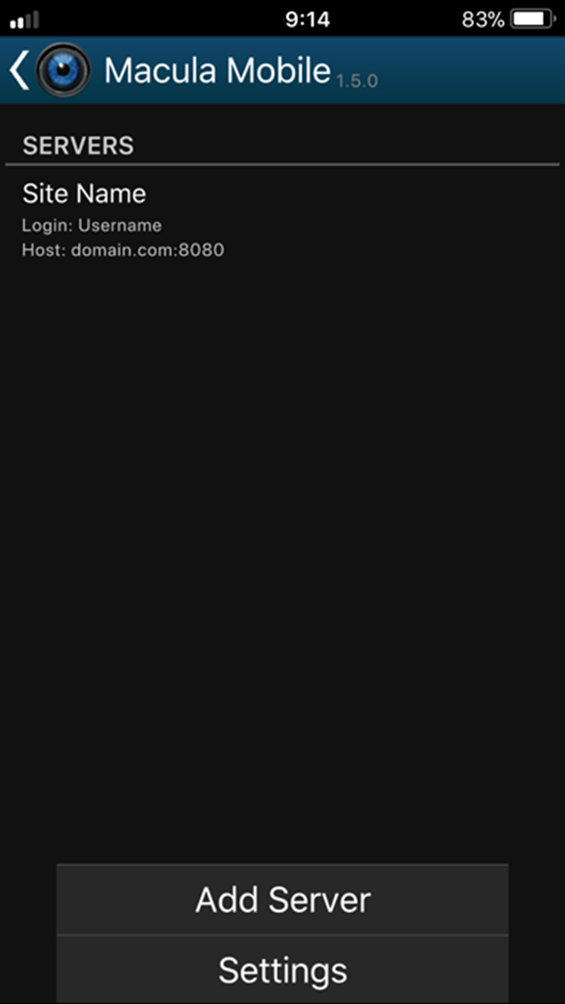
1. Press Servers in servers list to start the live view. (Press & hold the Servers list to "Edit or Delete").
Was this article helpful?
That’s Great!
Thank you for your feedback
Sorry! We couldn't be helpful
Thank you for your feedback
Feedback sent
We appreciate your effort and will try to fix the article