0x80070643 error means "Fatal error during installation".
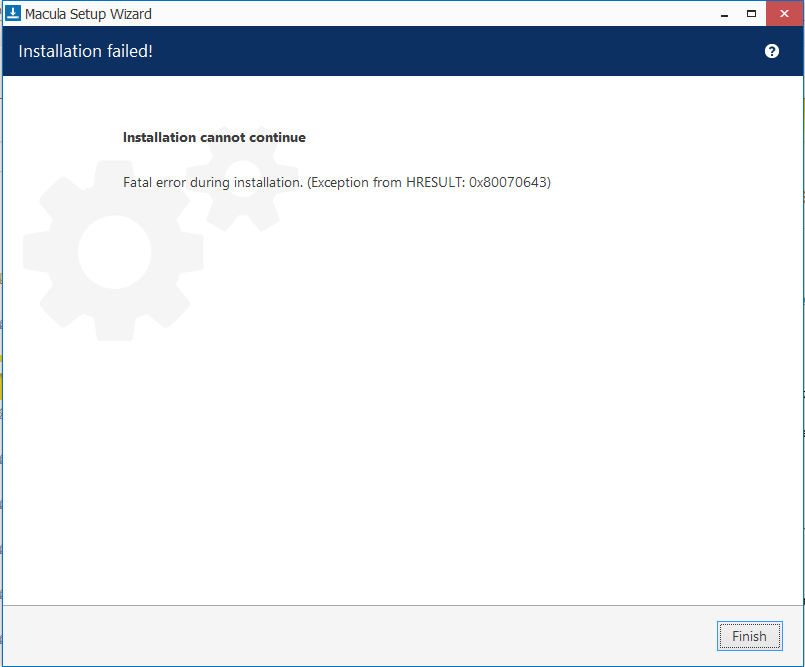
Solution:
- Please make sure that .NET frameworks 3.5 and 4.x are installed.
- Also, install:
Microsoft Visual C++ 2013 (Update 5) Redistributable Packagex64: https://aka.ms/highdpimfc2013x64enu
x86: https://aka.ms/highdpimfc2013x86enu
Microsoft Visual C++ Redistributable for Visual Studio 2015, 2017 and 2019
X64: https://aka.ms/vs/16/release/vc_redist.x64.exe
x86: https://aka.ms/vs/16/release/vc_redist.x86.exe - Also please make sure that all the latest Windows updates are installed.
Reboot the PC after installing the above.
Was this article helpful?
That’s Great!
Thank you for your feedback
Sorry! We couldn't be helpful
Thank you for your feedback
Feedback sent
We appreciate your effort and will try to fix the article