The Microsoft XML Core Services 4.0 SP3 is a required component for VCA video analytics configuration in Macula Console 32-bit.
Download Microsoft XML Core Services 4.0 SP3
To find out if your PC already has this component installed,
1. Login to Macula Console.
2. Select Channels
3. Select any of the channels, the press Edit
4. Select Channel Configuration > Open Channel Properties
5. Select Video Analytics Tab
If your PC does not have this component yet, in Channel properties will show a NOTE message under the Open VCA Video Analytics option.
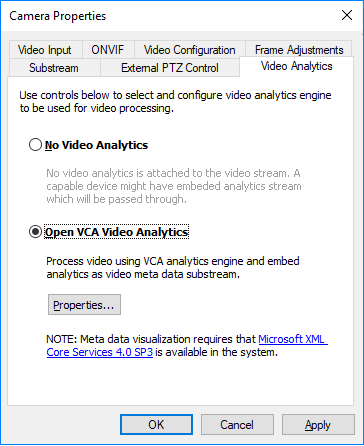
Installation
Follow this procedure to complete the installation of Microsoft XML Core Services 4.0 SP3
Step 1: | Double click on the download file (filename: msxml.msi). |
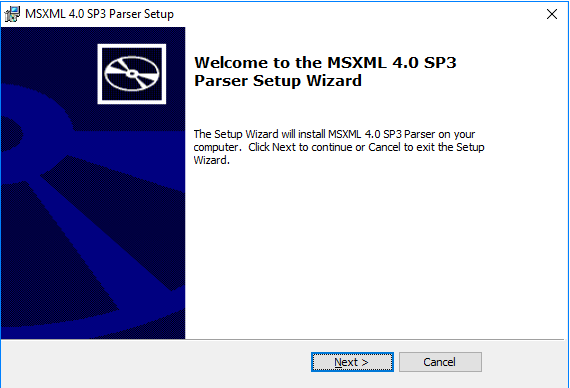
| Step 2: | Press Next button.
|
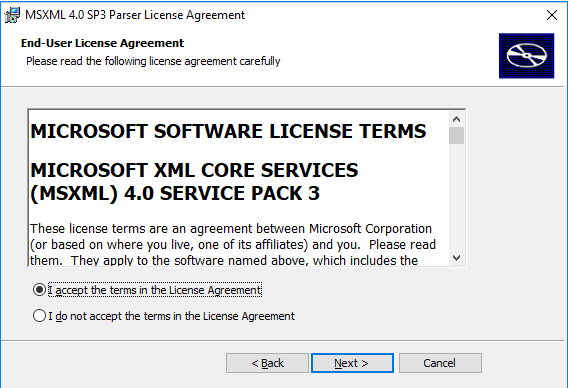
| Step 3: | Read the EULA. Choose "I accept…" to proceed. |
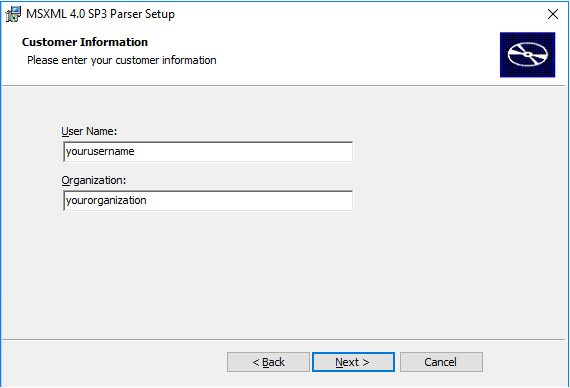
| Step 4: | Insert any User Name and Organization you prefer.
|
| Step 5: | Select Install Now 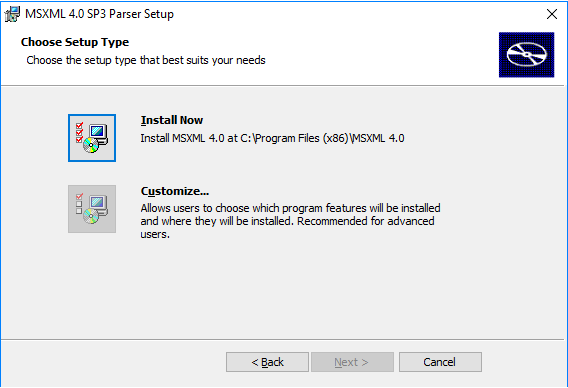 |
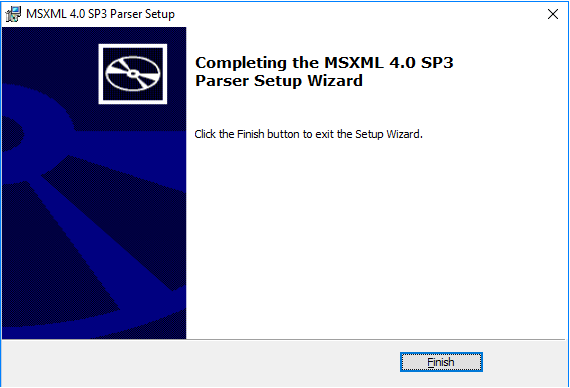
| Step 6: | Press Finish to complete the installation |
Was this article helpful?
That’s Great!
Thank you for your feedback
Sorry! We couldn't be helpful
Thank you for your feedback
Feedback sent
We appreciate your effort and will try to fix the article