Step 1:
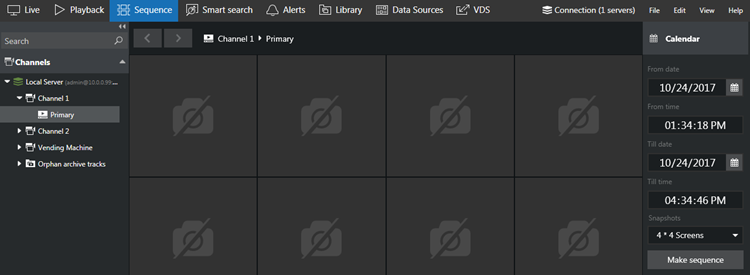
1. Select Sequence tab, double click the desired channel from Channel panel on the left.
Step 2:
1. Select sequence timing in the calendar panel on the right and then click the Make sequence button.
Step 3:
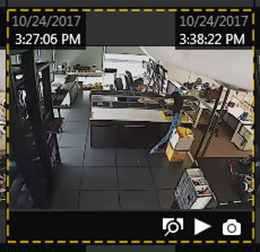
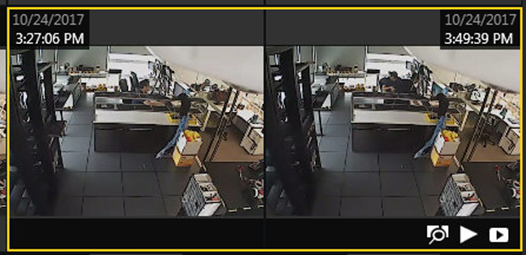
1. Click any piece once to select it; click one screen once and then click another screen to select a series of fragments.
Step 4:
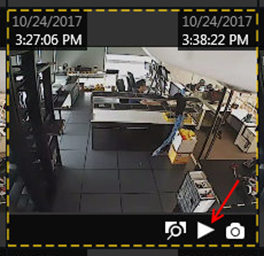
1. Click the play button to play selected footage in playback tab.
Was this article helpful?
That’s Great!
Thank you for your feedback
Sorry! We couldn't be helpful
Thank you for your feedback
Feedback sent
We appreciate your effort and will try to fix the article