Open Chassis. Un screw both side of the top cover 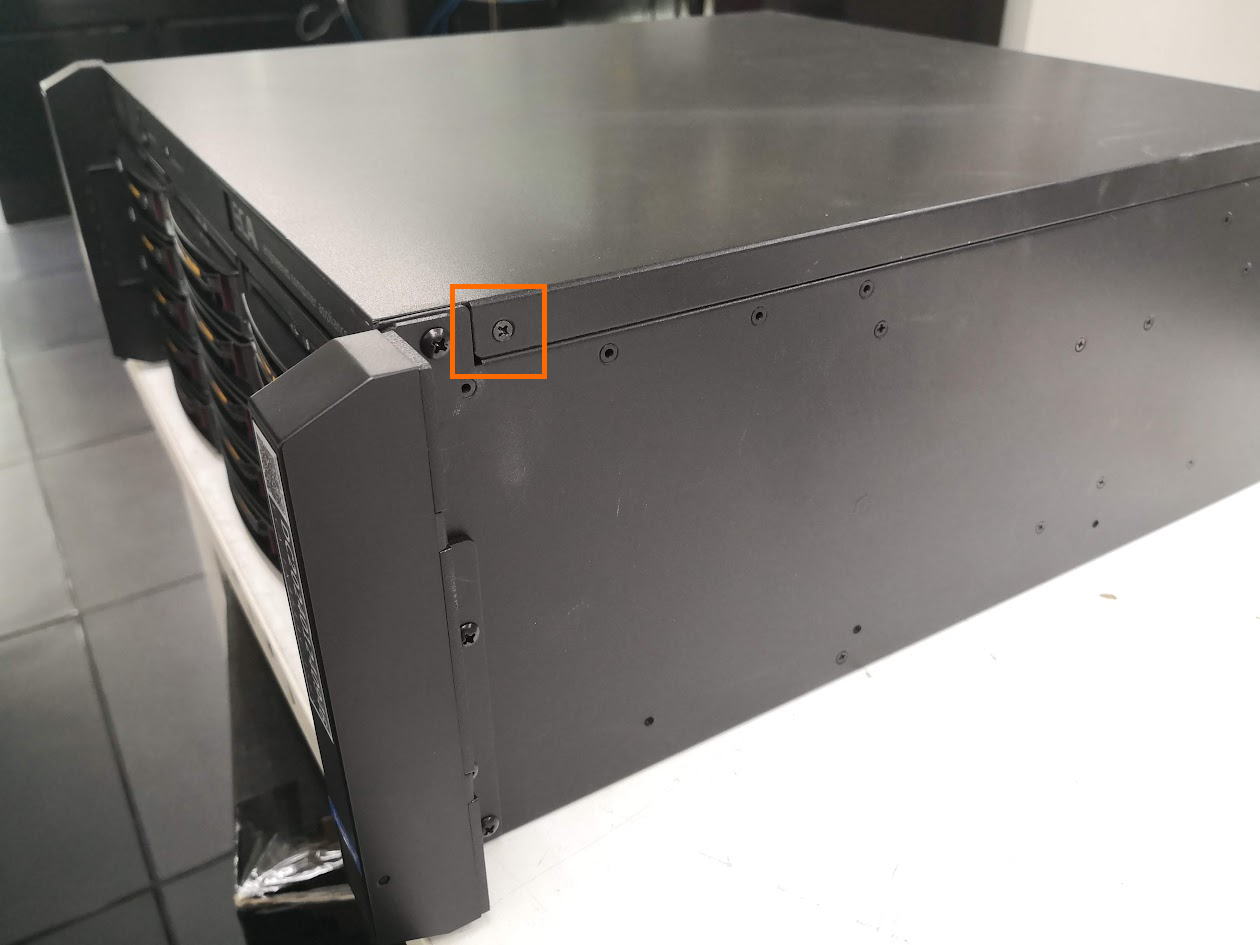
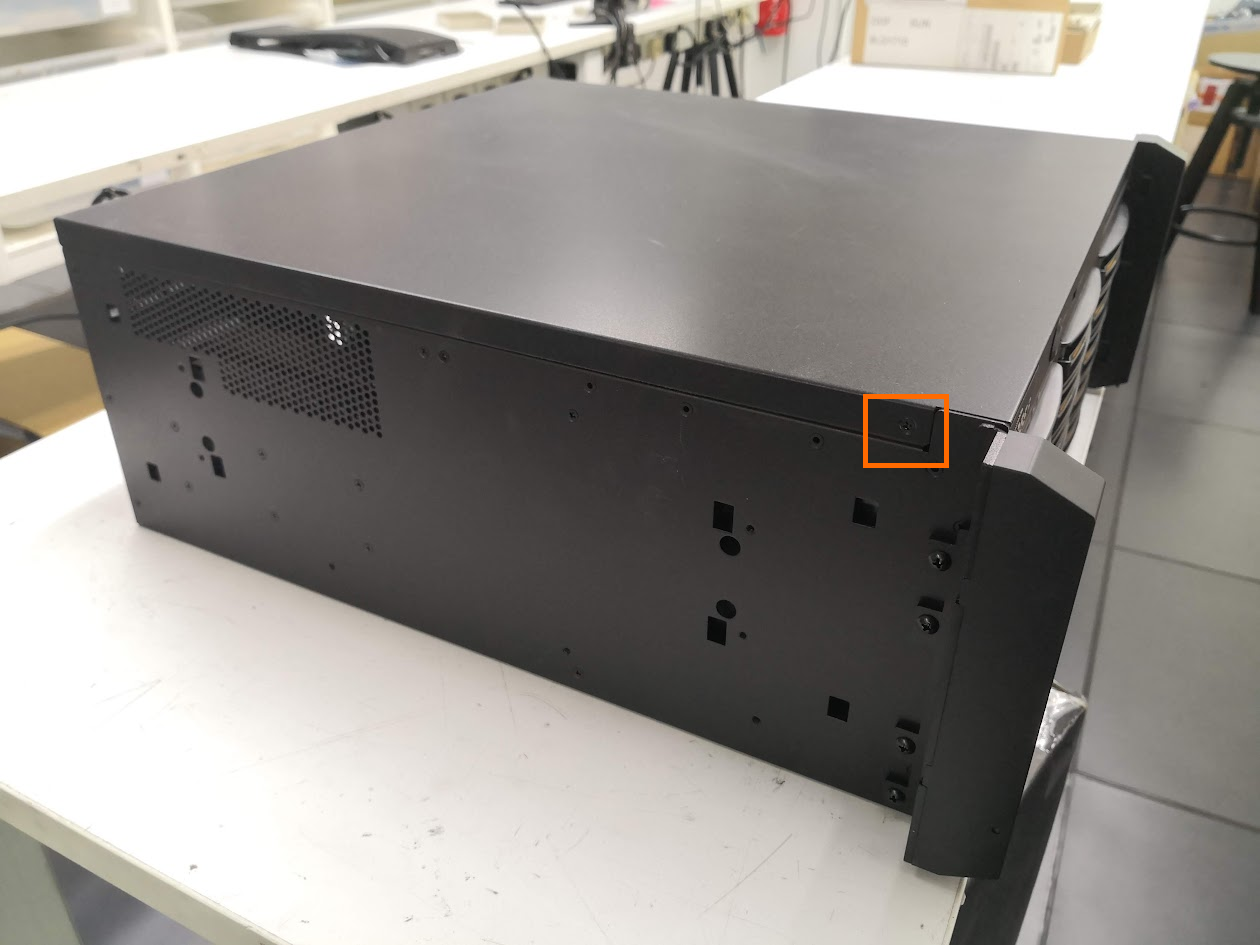
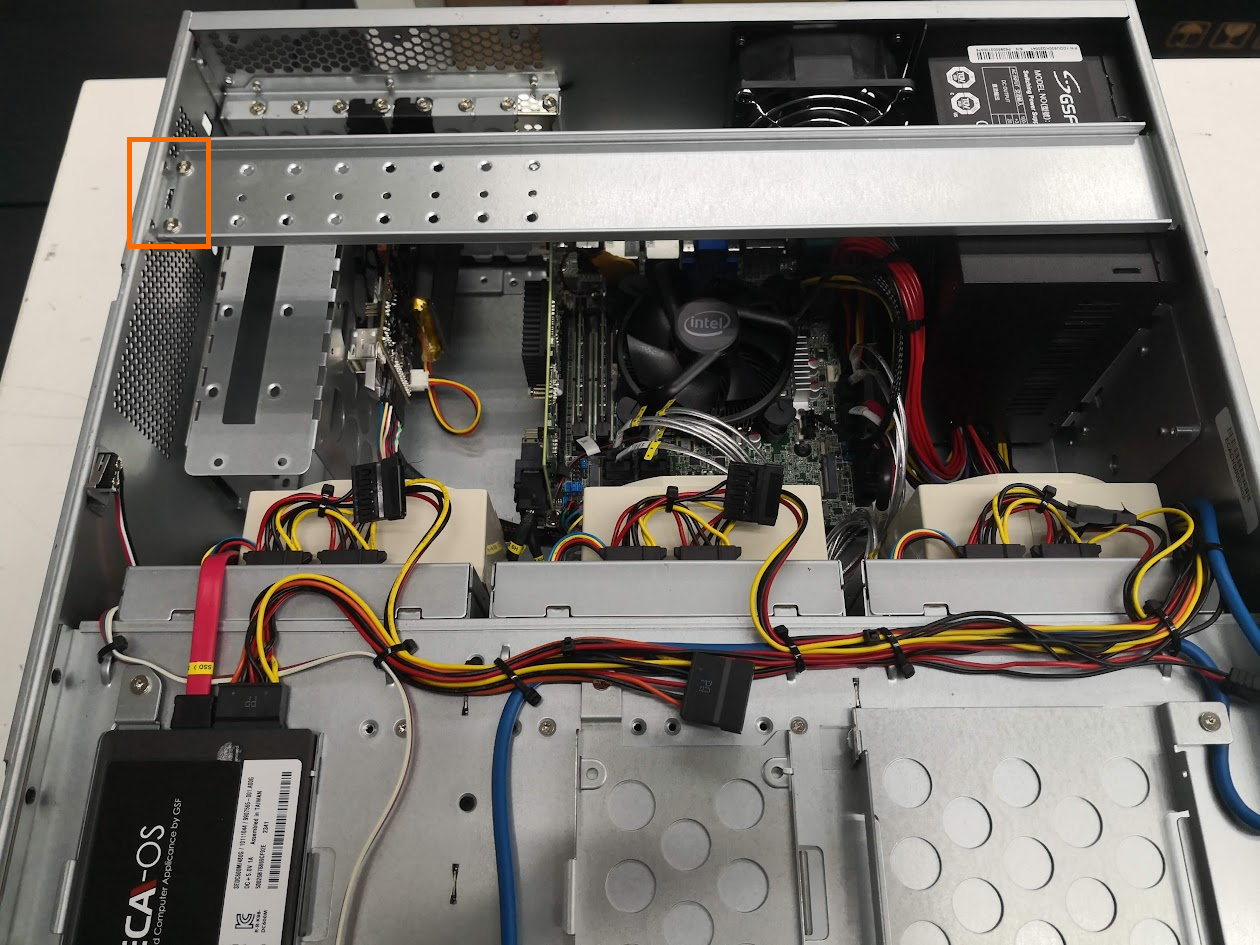
Remove Center bar by unscrew 2 screws in the highlighted box and lift up the bar.
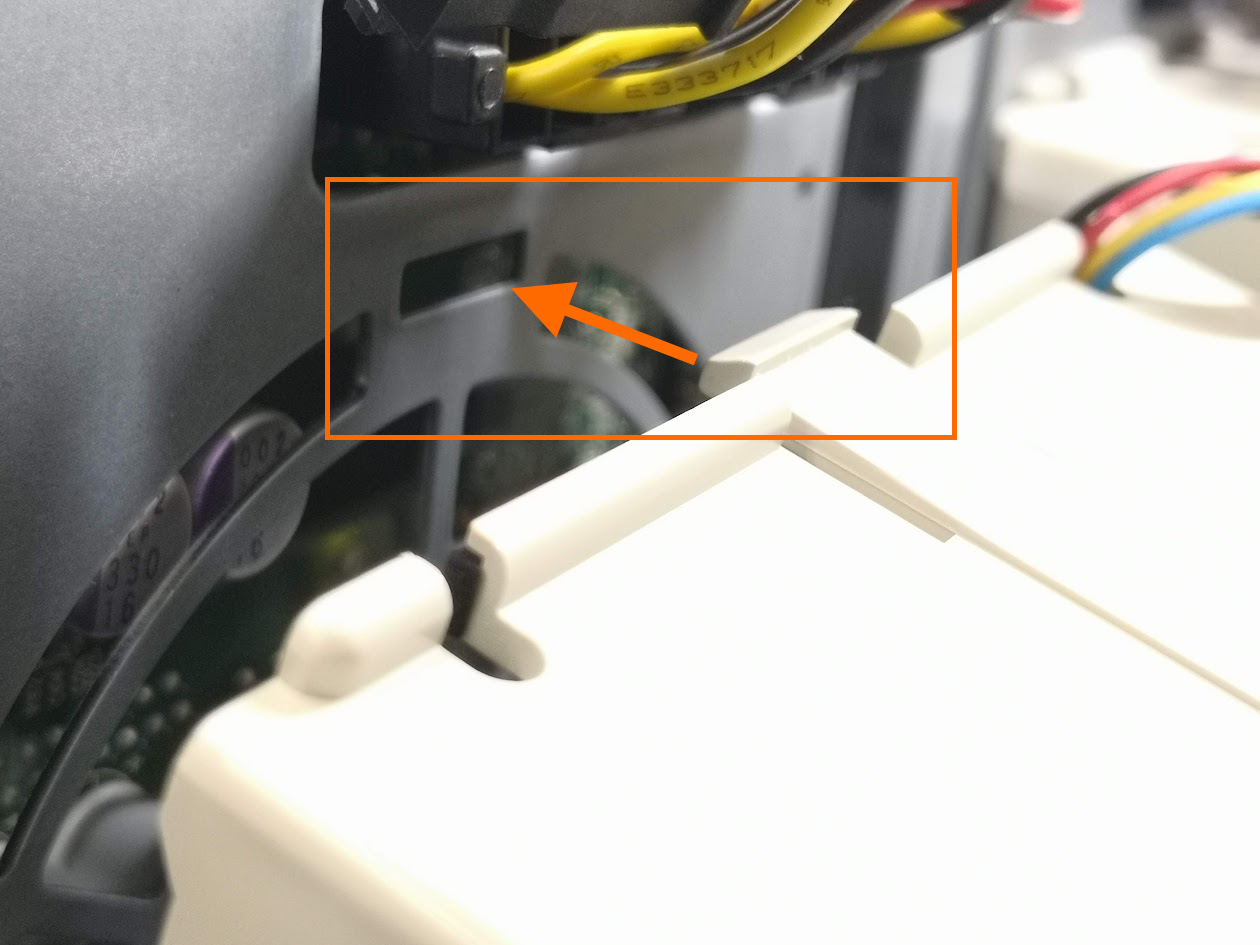
There is 2 slot to secure the fan as in the highlighted box.
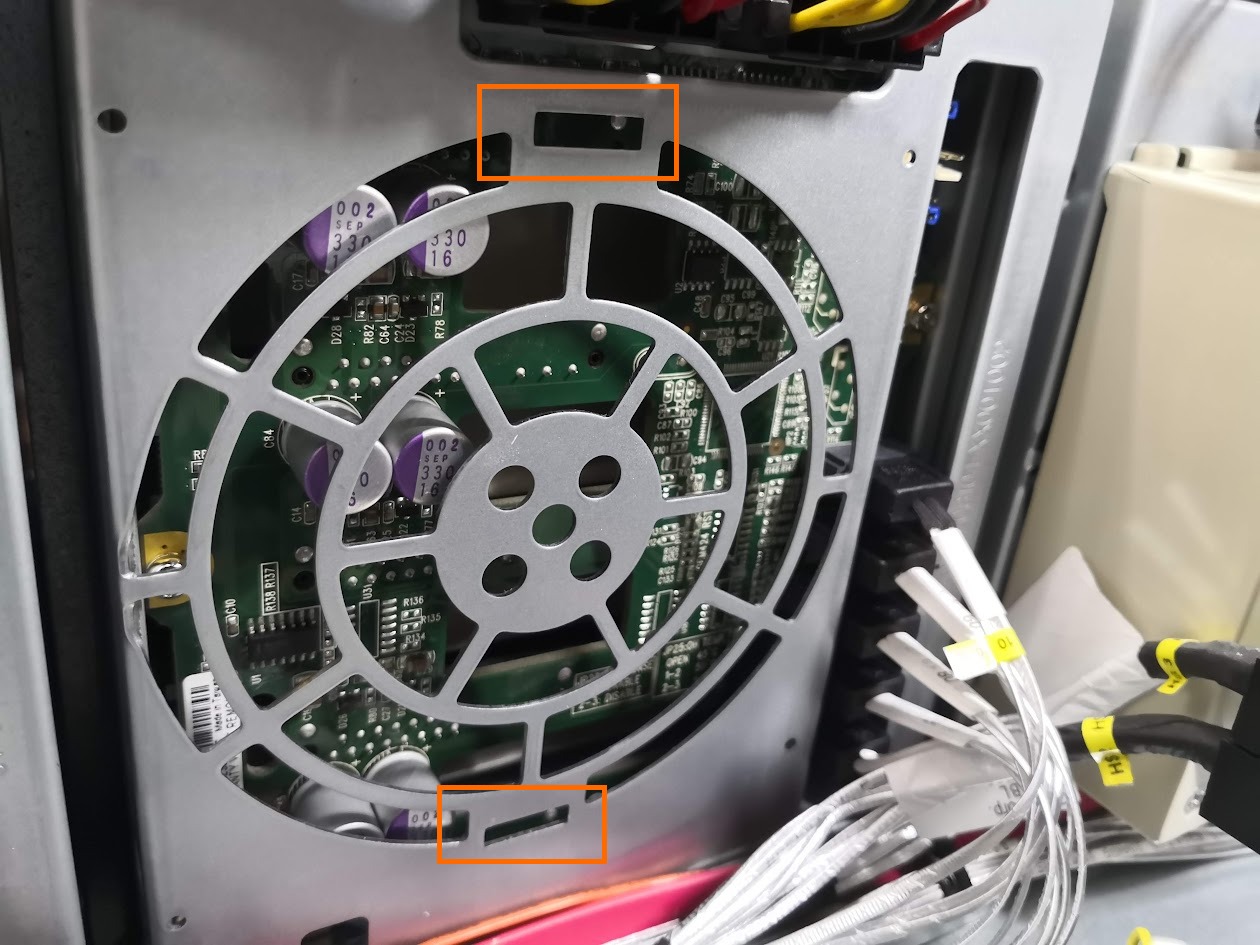
Slot in the bottom first until it click.
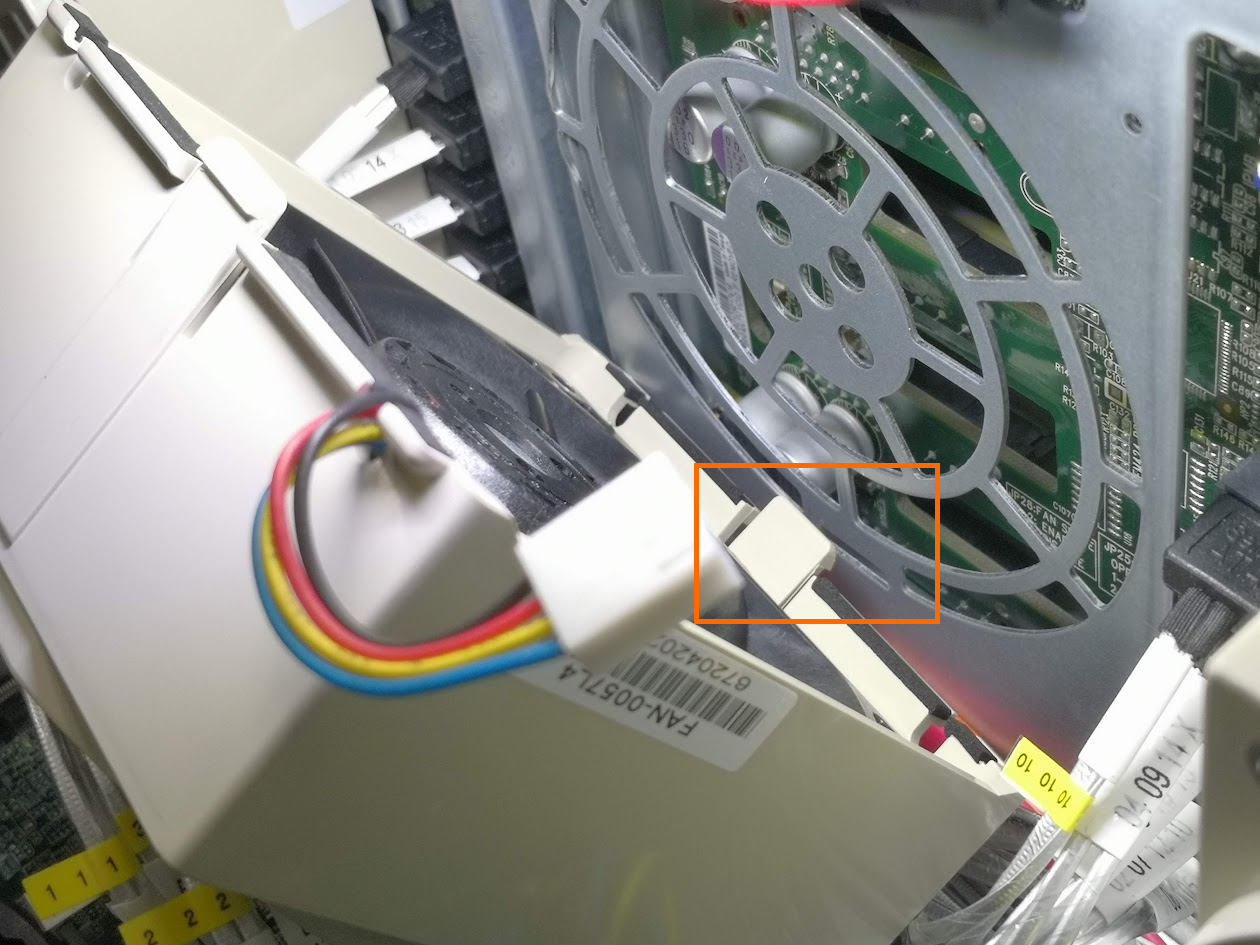
Slot in the top until it click.
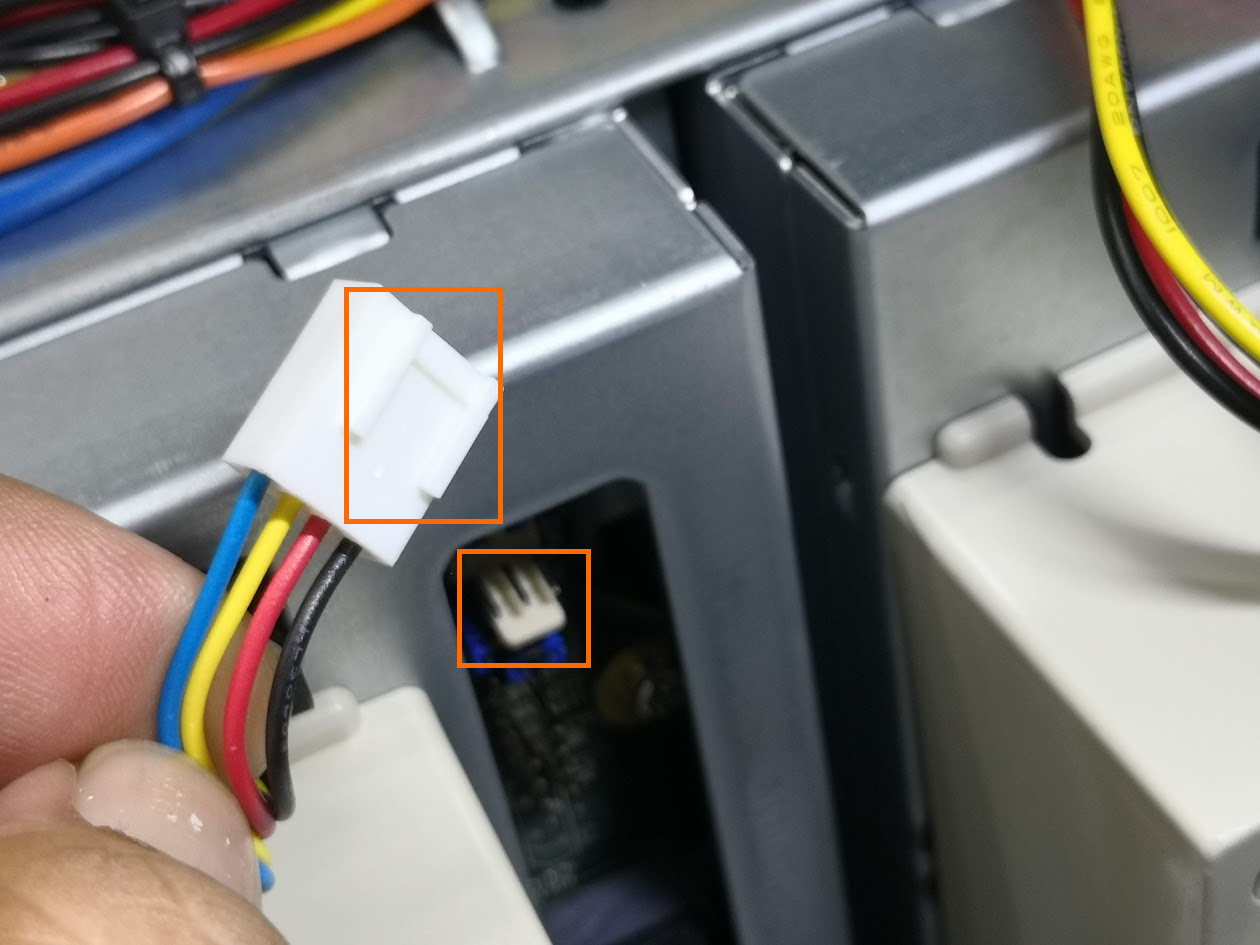
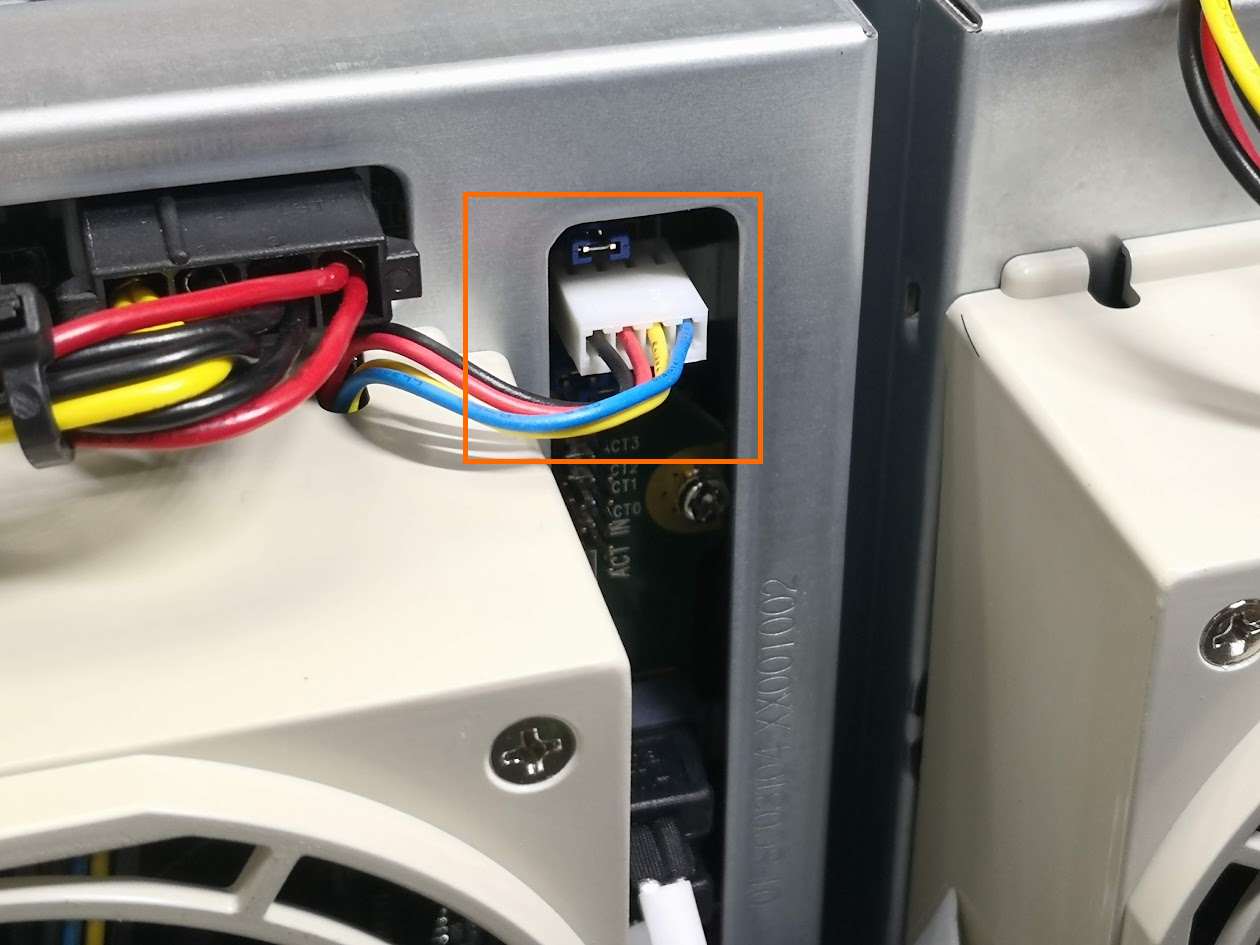
Plug-in fan power connecter. Make sure insert the connector guide to fan pin on the hotswap.
Power up the ECA. Make sure the fan is operating and there is no LED light of the fan light up
Was this article helpful?
That’s Great!
Thank you for your feedback
Sorry! We couldn't be helpful
Thank you for your feedback
Feedback sent
We appreciate your effort and will try to fix the article