Applicability:
- ecaOS 6
Procedure:
Step 1: In the ecaOS dashboard, navigate to System > Session Shield.
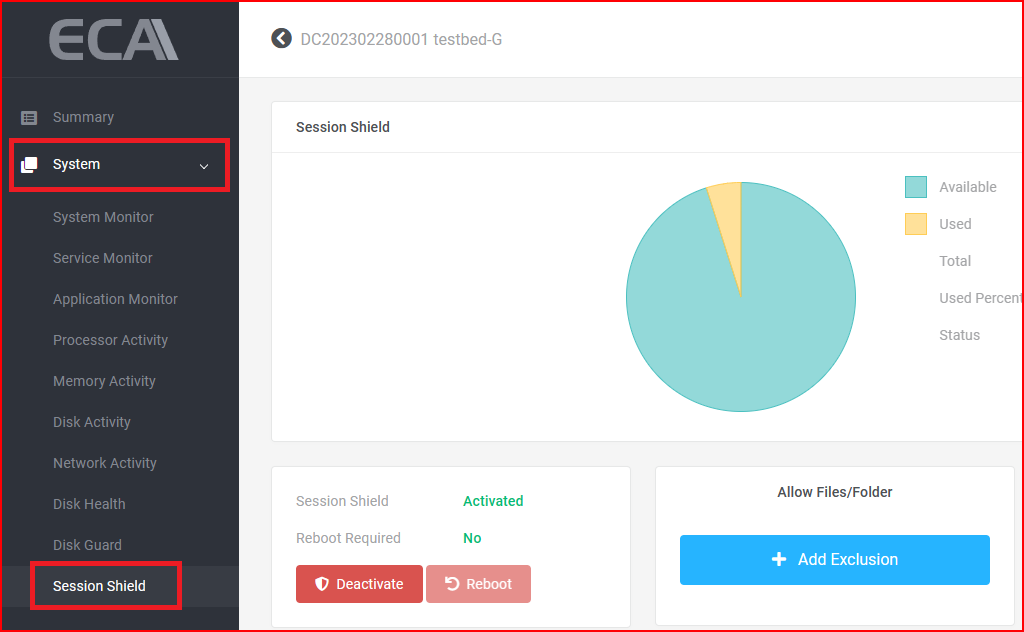
Step 2: Click the "+ Add Exclusion" button.
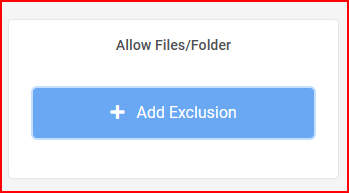
Step 3: Enter the allowed files or folder path.
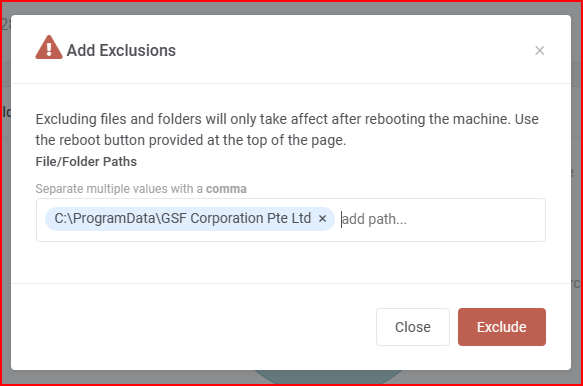
Step 4: Click "Exclude" to save the settings.
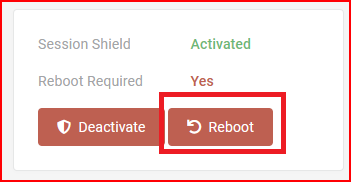
Step 5: Click the "Reboot" button to restart the ECA.
Was this article helpful?
That’s Great!
Thank you for your feedback
Sorry! We couldn't be helpful
Thank you for your feedback
Feedback sent
We appreciate your effort and will try to fix the article