Applicability:
- ecaOS 6.x
Description:
- To shutdown ECA, only through the ecaOS Dashboard is considered authorized shutdown. Shutting down the ECA not via Dashboard will be considered as unauthorized shutdown, and HeartBeat will reboot the ECA.
Requirement:
- USB Security Key or ECA Access Code
Procedure:
Step 1: Ensure you have the USB Security Key or ECA Access Code ready. Every ECA has its dedicated unique key and cannot be shared with other ECA. Refer to [Enrol Virtual Security Key for ECA Access Code]
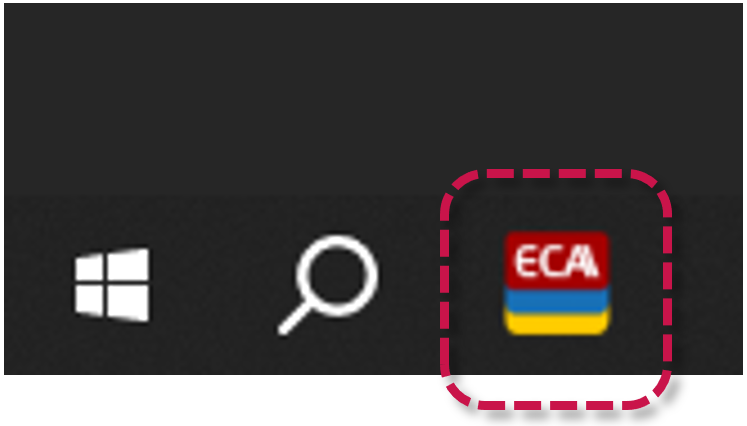
Step 2: Launch ecaOS Dashboard from Taskbar and login. Refer to [Access ecaOS DashBoard]
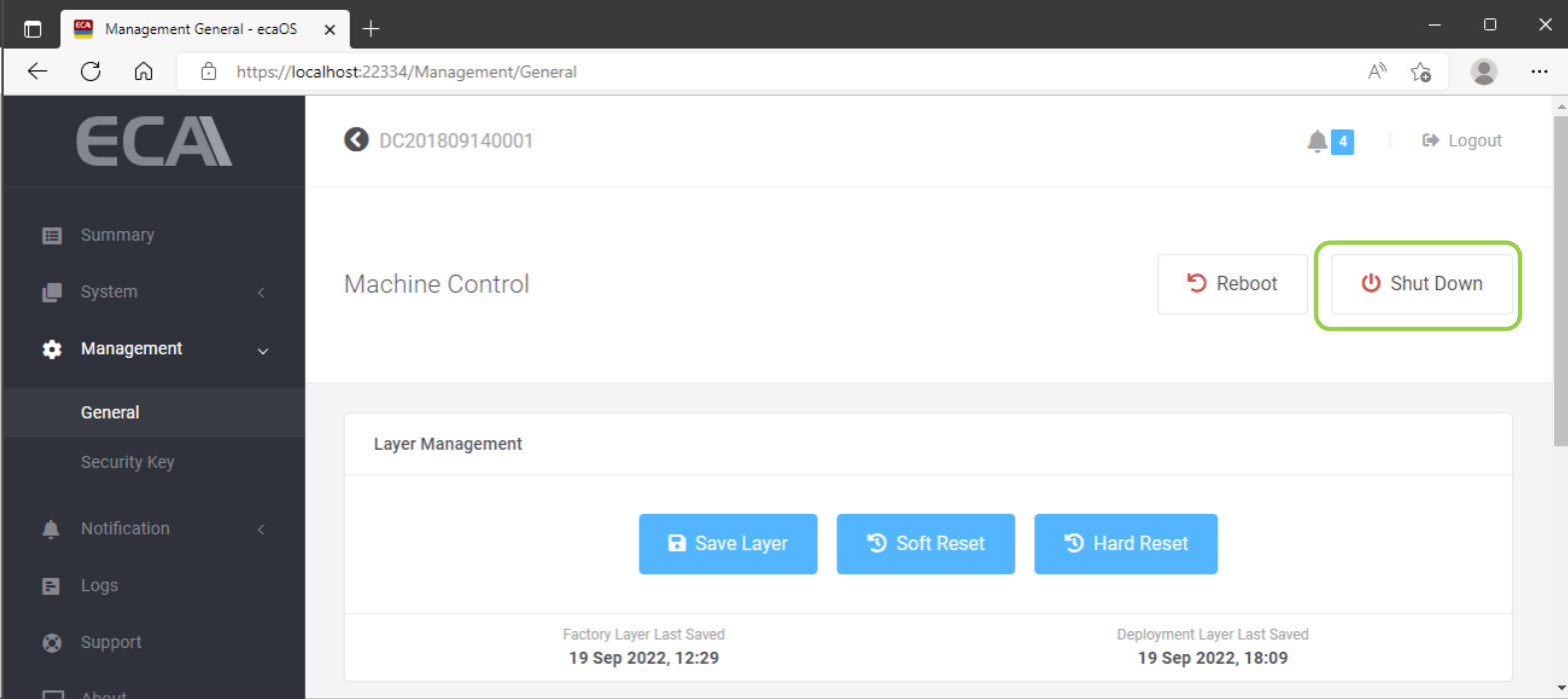
Step 3: In Dashboard, go to Management ▶ General.
Step 4: Click 'Shut Down'.
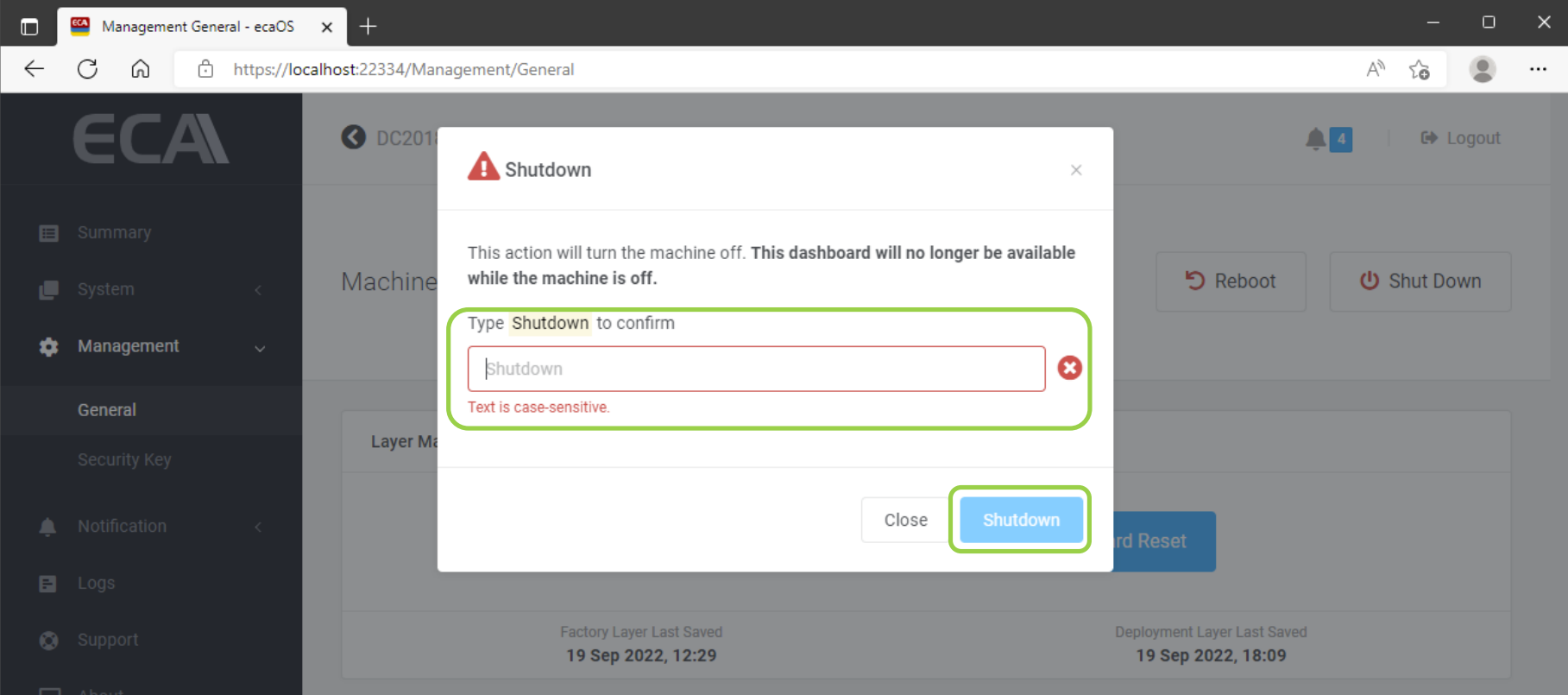
Step 5: Type 'Shutdown' (case-sensitive) to confirm proceed. Then, click 'Shutdown' button.
Was this article helpful?
That’s Great!
Thank you for your feedback
Sorry! We couldn't be helpful
Thank you for your feedback
Feedback sent
We appreciate your effort and will try to fix the article